
Client updates
The update is written. You tap Send.
Clients hire the agent who keeps them informed. HomeAxis drafts the milestone text, the intro email to the lender and attorney, the check-in to a quiet co-broker, and puts each one on the task that needs it. You send every one yourself, from your own phone.
No card. Works on iPhone, Android and the web with one account.
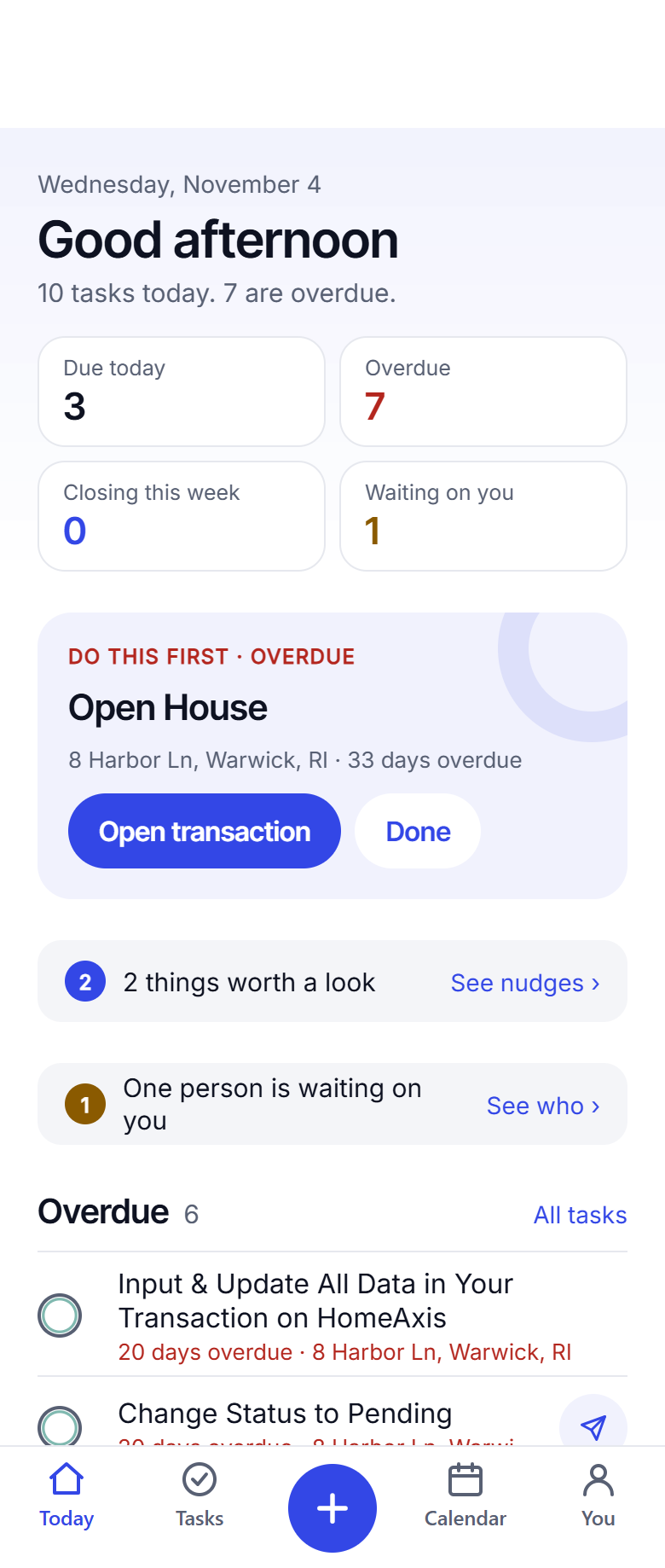
How a drafted text works
On the task, with the blue airplane
A task that carries a draft shows a small airplane. Tap it and the text appears with the client's first name, the address, the date and your signature already in place. One more tap opens Messages with it filled in. You read it. You tap Send.
Nothing leaves your phone until that last tap, and nothing ever goes from a HomeAxis number.
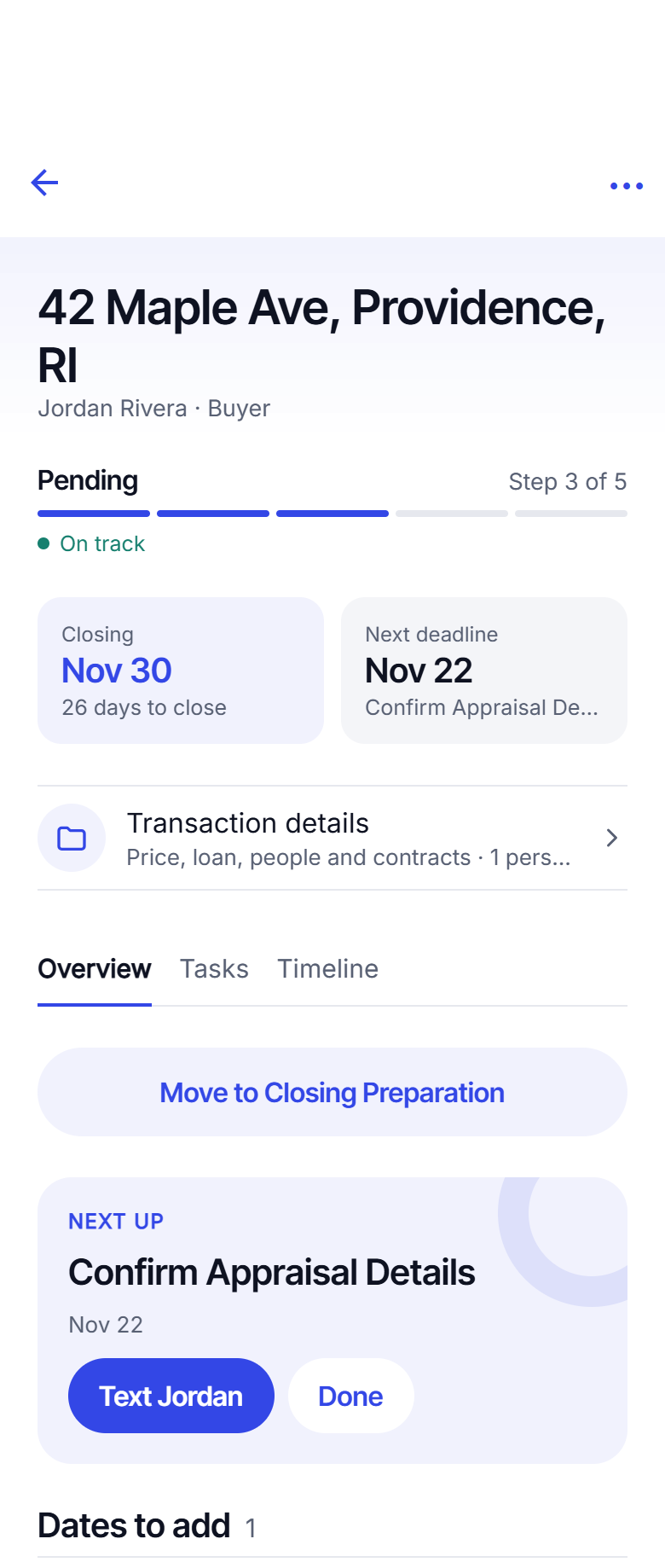
Four people, four voices
Your client
"Hi Jordan, we are under contract on 42 Maple. Inspection is Thursday at 10; I will be there and send you a summary after." The professional way to talk to a client, with the personal touch still yours.
The co-broker, lender and attorney
The intro email at offer acceptance goes to all three in one tap from your mail app, with everyone addressed. A reply-chaser when one goes quiet.
Past clients
A week after move-in, on the home anniversary, and when it is time to ask for a review: a text drafted at the right moment, sent by you.
Why HomeAxis will never send for you
Our founder lost clients to a tool that sent messages on his behalf. The personal touch is the job. So HomeAxis drafts, and the agent sends. There is no setting that sends for you, not even an opt-in.
- Every text from your own number
- Every email from your own address
- A do-not-text switch on every person
Questions agents ask
Does HomeAxis send the text?
No, and it never will. The draft waits on the task. You tap it, your own Messages app opens with the text filled in, you read it, change it if you like, and tap Send. It goes from your phone and your number. The same for email: your mail app opens with everyone addressed and the text in place.
Who are the drafts for?
Your client, the co-broker, the lender and the attorney, each with its own wording. The intro email at offer acceptance goes to the professionals on the deal, never to the client. Anyone you mark "no automated contact" is left out of group drafts.
Can I write my own?
Yes. Every draft on the playbook is yours to edit, with fields for the client’s first name, the address, the key dates and your signature. On a deal, "Write with AI" can draft a one-off text or email from what is happening on that deal; you still read it and send it.
Is texting my clients allowed?
Texts go from your own phone to people you already work with, which is how you text them today. Whether a client has agreed to text contact is your responsibility; HomeAxis adds a "do not text" switch per person so you can honour it.
Keep reading
Add your first deal today.
About 20 seconds from contract to a dated playbook. The first 2 are free.
Start free: 2 deals, no cardAlready have an account? Log in. Lead a team or run a brokerage? See offices.