
Walkthroughs
See HomeAxis in 60 seconds
Four short walkthroughs of the parts agents use most: snapping a contract, the client portal, texts written in your voice, and dates that move when the contract changes. Each one is about a minute.
No card. Works on iPhone, Android and the web with one account.
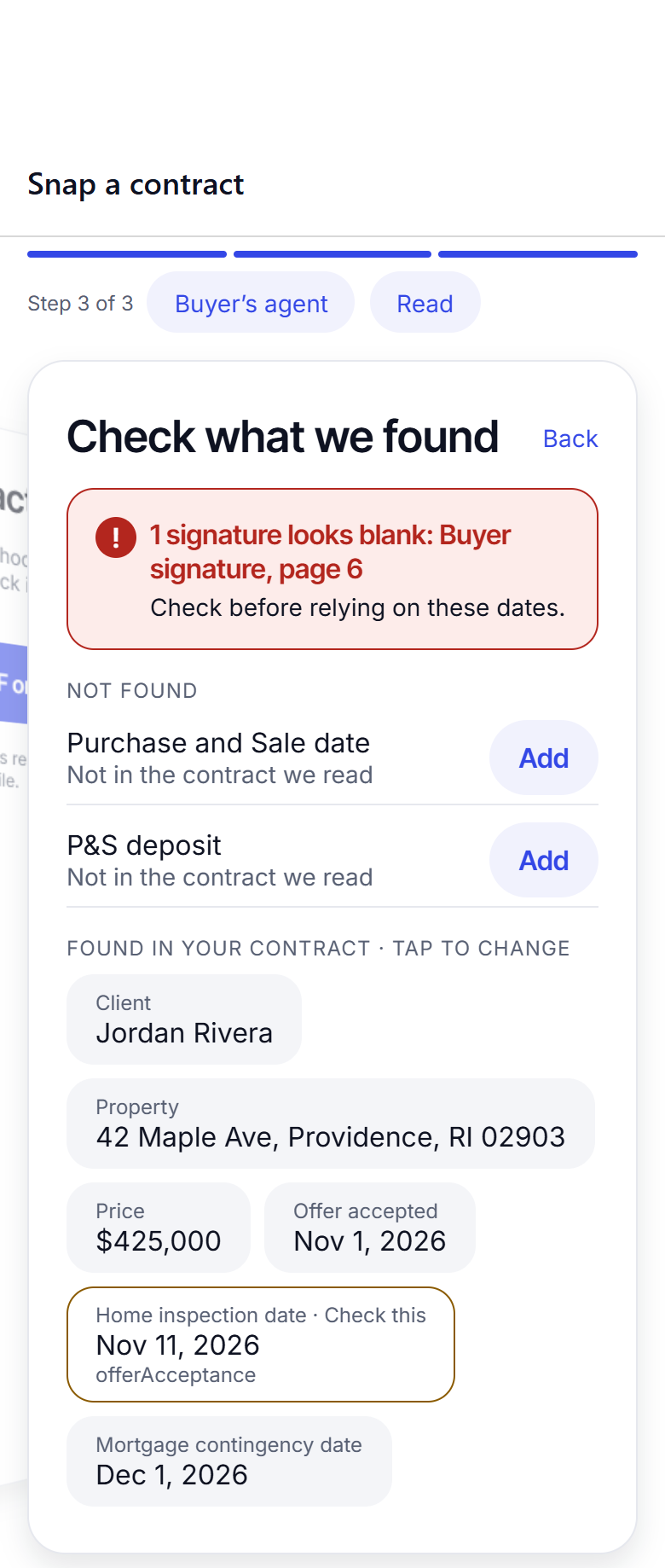
Snap a contract 1:00
Photograph the signed contract and watch every date, task and first client text appear in about 20 seconds.
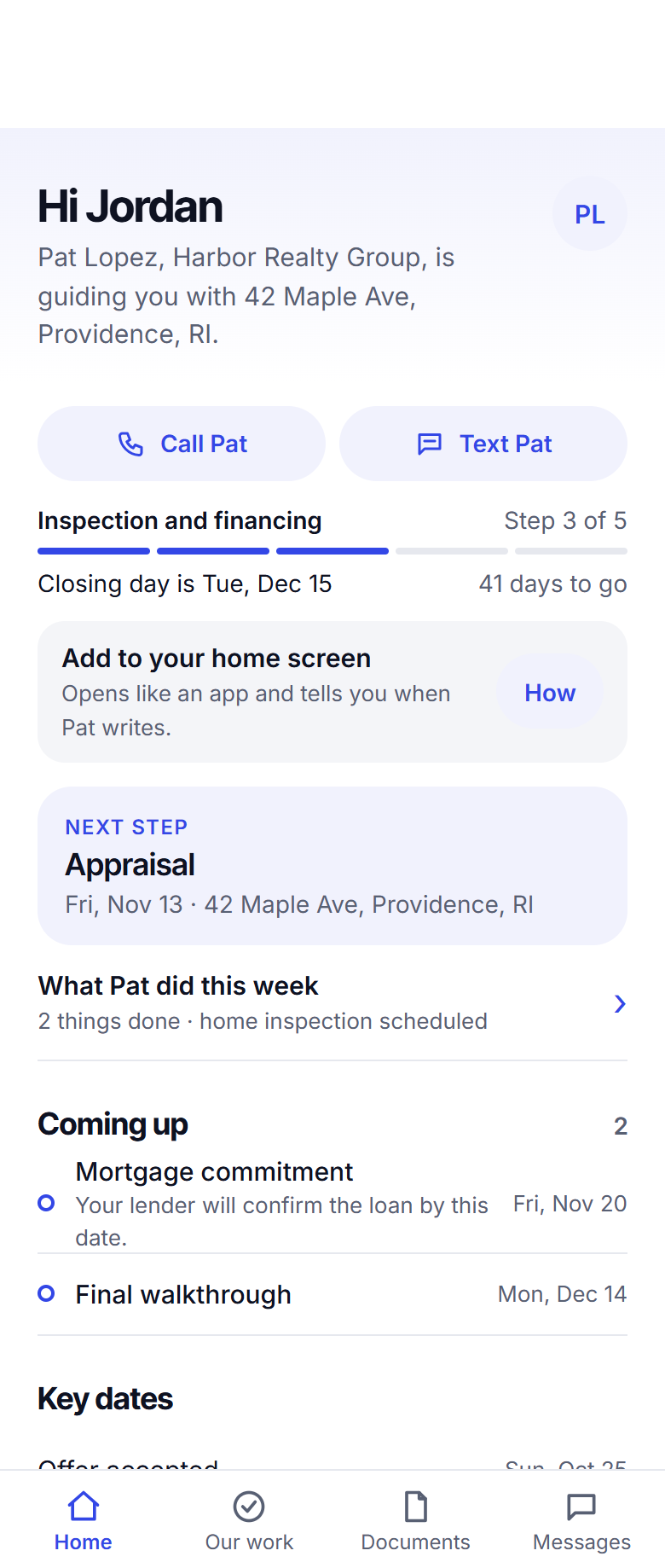
The client portal 1:00
One link and a PIN give your client their own page: where the deal is, what is next, and a thread back to you.
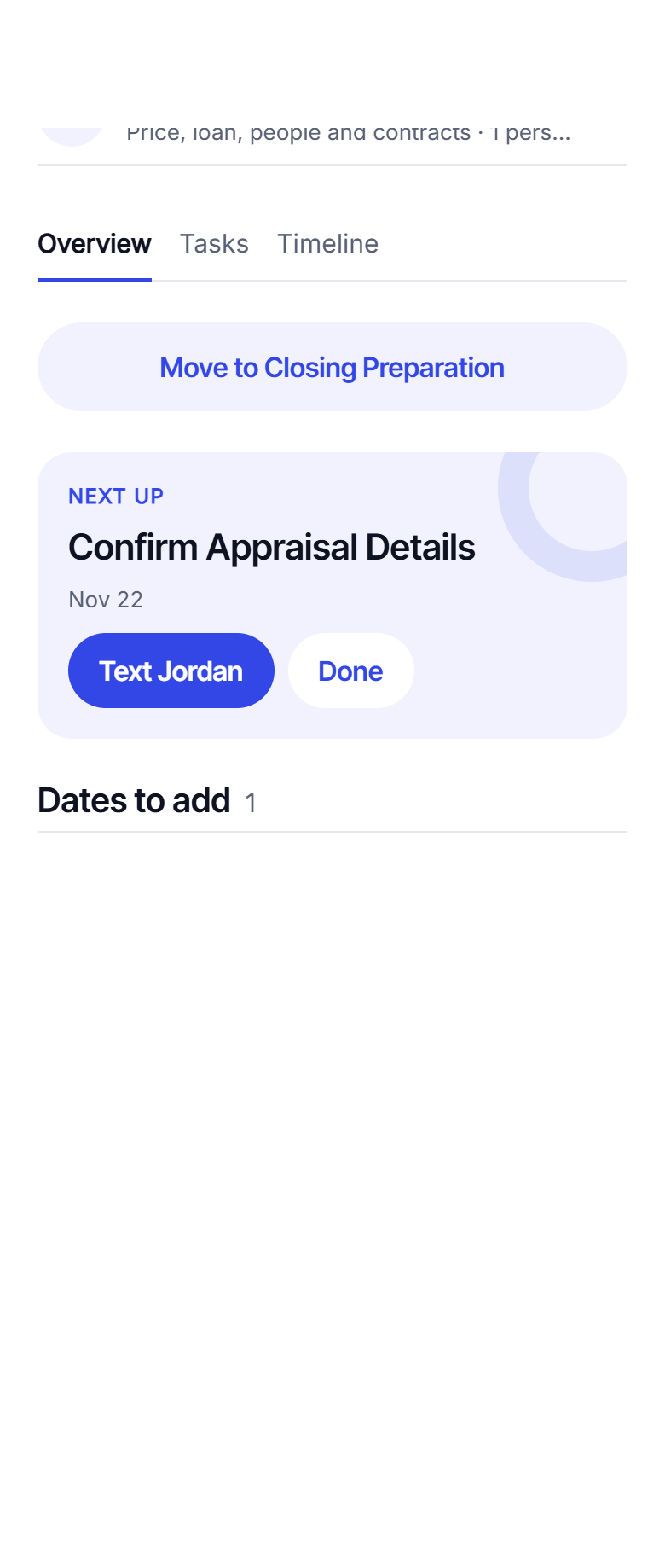
Texts in your own voice 1:00
Every task that needs a message has one drafted. You read it, tap Send, and it goes from your own phone.
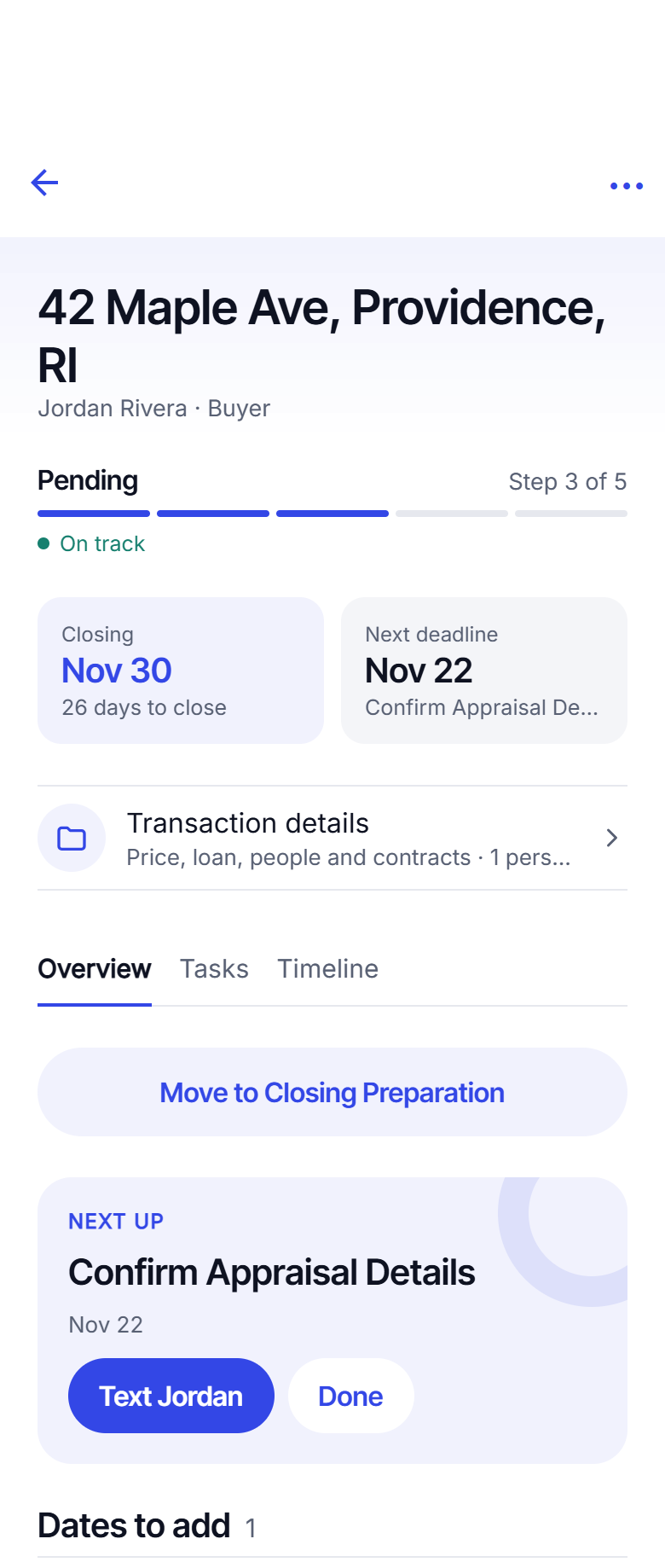
Dates change, tasks follow 1:00
An amendment moves closing: snap it and every task re-dates itself, and your client page and co-broker link show the new dates.
For coaches, teams and offices
Run a Signature Partner community: your training, documents and chat inside the app your agents run their deals in.
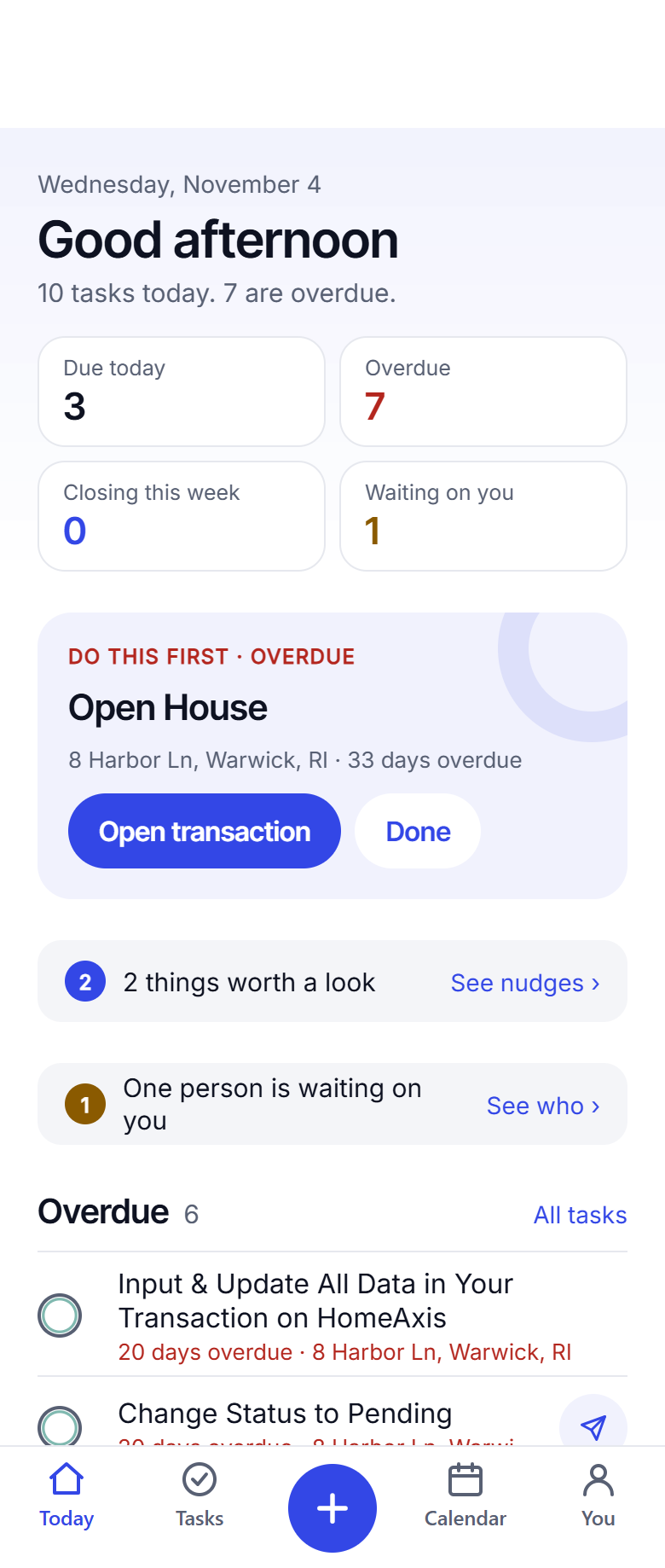
Your Signature Partner community 1:00
Your training, documents, chat and live calls inside the app your agents run their deals in.
Keep reading
Try it on your next contract.
Your first 2 deals are free, no card.
Start free: 2 deals, no cardAlready have an account? Log in. Lead a team or run a brokerage? See offices.